
If you are interested in becoming a referee , follow the link to register and take the course. - Age: minimum age of 13 years old; - No experience necessary; - Educational training required. Link directly into US Soccer Learning Center for First Time Referees: https://learning.ussoccer.com/#!/referee/courses/available/6/details/7269
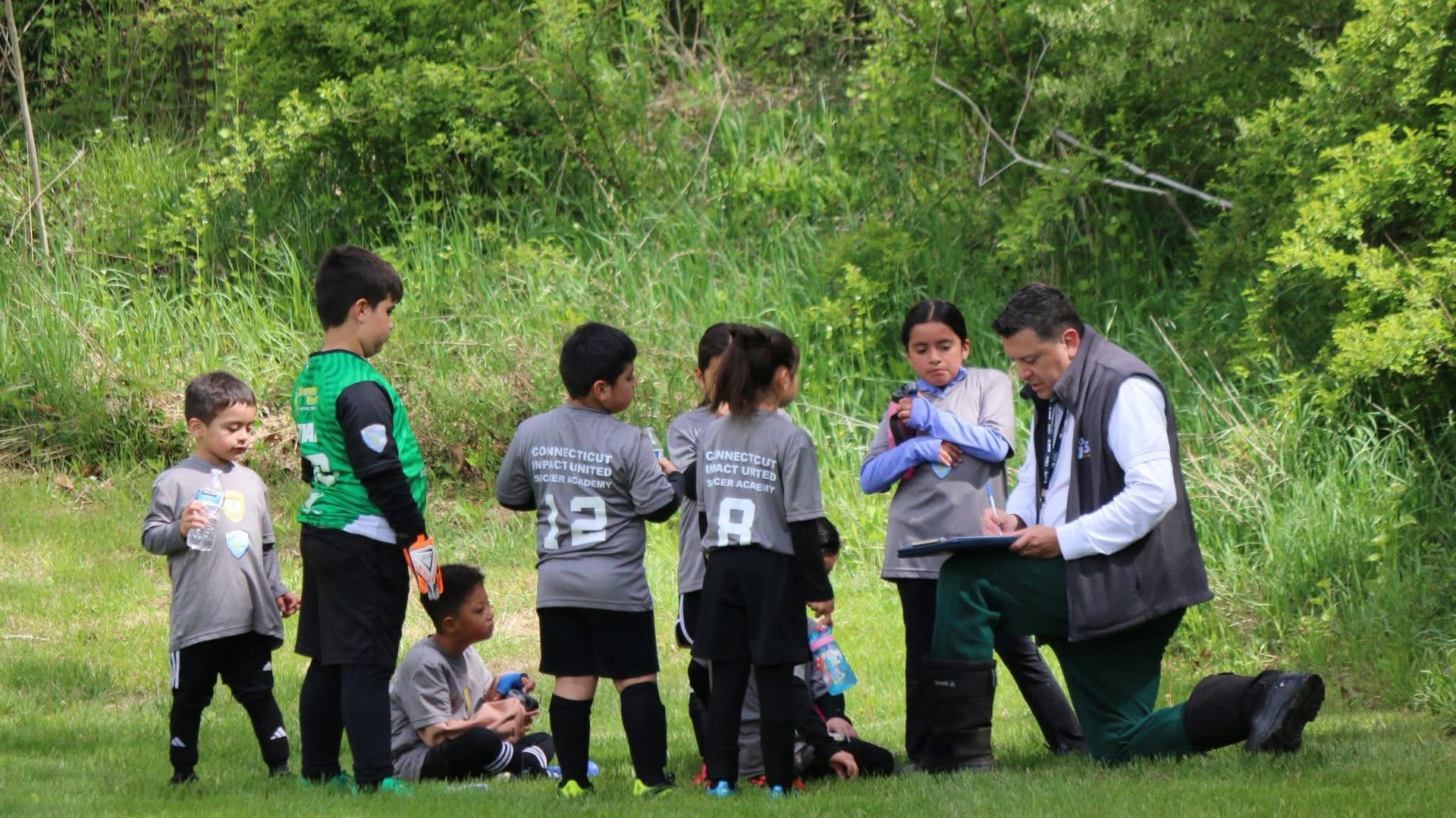
"We are excited to announce that Fall Soccer registration will open soon!! Our Fall season promises to be an exciting one, with competitive games and training with our experienced coaches. Join our Soccer Family!